5 Best Tools for Designing Restaurant Menus
Whether you’ve just opened your new bistro or have already been catering to diners for decades, the importance of a good menu design cannot be overstated. Aside from acting as the bridge to reach your customers, an effective menu design can also convey the story your restaurant wants to tell.
Luckily, there are now various free online tools that can help you design your ideal menu with ease. So, whether you’re aiming to create a classic menu design or take things up a notch with a digital interactive menu, we’ll walk you through the 5 best restaurant maker tools you can find online.
Free Menu Maker Tools for Restaurants
Not confident in your design skills? Don’t worry! Here’s a rundown of the top free restaurant menu maker tools that you can try today.
- Canva
Overview
Canva is an online design tool popular among many users due to its simple and easy-to-navigate interface. With Canva, users can easily design various visual content using its built-in drag-and-drop interface.
Key features
- Drag-and-drop editor
- Template library
- Brand Kits
- Photo editing tools
- Sharing and collaboration
Pricing (per month)
- Free
- Pro ($15)
Why we recommend it
Canva can be an effective menu maker for users who prefer collaborating and sharing designs. Due to Canva’s robust team collaboration features, users can easily give access so others can make real-time edits. This feature can be especially useful for sudden menu changes or updates.
- Adobe Express
Overview
Adobe Express is part of the Adobe Creative Cloud Suite. Unlike other apps, such as Photoshop, Adobe Express offers a more basic design interface while still providing seamless integration with other Adobe apps.
Key features
- Templates
- Integration with Adobe Firefly
- Brand Kits
- Asset Library
- Adobe Fonts Collection
Pricing (per month)
- Free
- Premium ($9.99)
Why we recommend it
If you’re looking for a user-friendly tool for designing your new restaurant menu, Adobe Express can be a great option. While it offers fewer templates compared to other tools like PosterMyWall, Adobe Express offers seamless integration with other Adobe tools, which can help with more advanced design features.
- Picsart
Overview
Picsart is a web-based and mobile tool that helps users with various editing needs. While it’s partially known for its extensive photo editing features, Picsart now offers AI tools and templates for various visual outputs.
Key features
- Image generator
- Collaboration
- 80k+ templates
- Filters and effects
- Collage maker
Pricing (per month)
- Free
- Pro ($5)
- Ultra ($45)
Why we recommend it
While it’s available on both desktop and mobile, Picsart can be a particularly good choice for those who prefer designing on mobile due to its accessibility. Although its actual drag-and-drop interface may be less responsive than other platforms, Picsart can be a good fit for those seeking to incorporate heavy AI features in their menu design.
- Desygner
Overview
Desygner is a cloud-based graphic design tool with a similar drag-and-drop interface to other platforms. Unlike tools such as Canva, however, Desygner caters more to businesses in need of solid brand consistency and marketing features.
Key features
- PDF Editor
- Resizing tool
- Background Remover
- Animation
- Stock Assets
Pricing (per month)
- Free
- Pro+ ($9.95)
Why we recommend it
Desygner can be a strong choice for those in need of a menu maker tool due to its various templates and features. While it shares a similar interface with other design tools, Desygner stands out for its solid brand control features and interactive design elements.
- PosterMyWall (Our top pick)
Overview
PosterMyWall is an online design tool popular for its extensive library of 1M+ free and customizable templates. Not only that, but the platform also allows users access to a wide variety of email marketing and social media management tools.
Key features
- 1M+ design templates
- Text-to-image generator
- Background remover
- AI writer
- AI Redesign
- Brand Kits
- Email marketing
- Social media management
Pricing (per month)
- Free
- Premium ($15)
- Premium Plus ($30)
Why we recommend it
PosterMyWall is one of the best free menu maker tools online due to its affordability and ease of use. Aside from its large library of templates, PosterMyWall also offers a handful of AI-powered features, including an AI background remover, which can make menu designs more dynamic and visually striking.
How to Create a Professional Menu Using an Online Design Tool
Designing an effective menu doesn’t just stop once you’ve found a free menu maker tool online. To help make your design process easier, we’ll break down some helpful tips to keep in mind when designing your restaurant’s new menu.
- Start With a Template
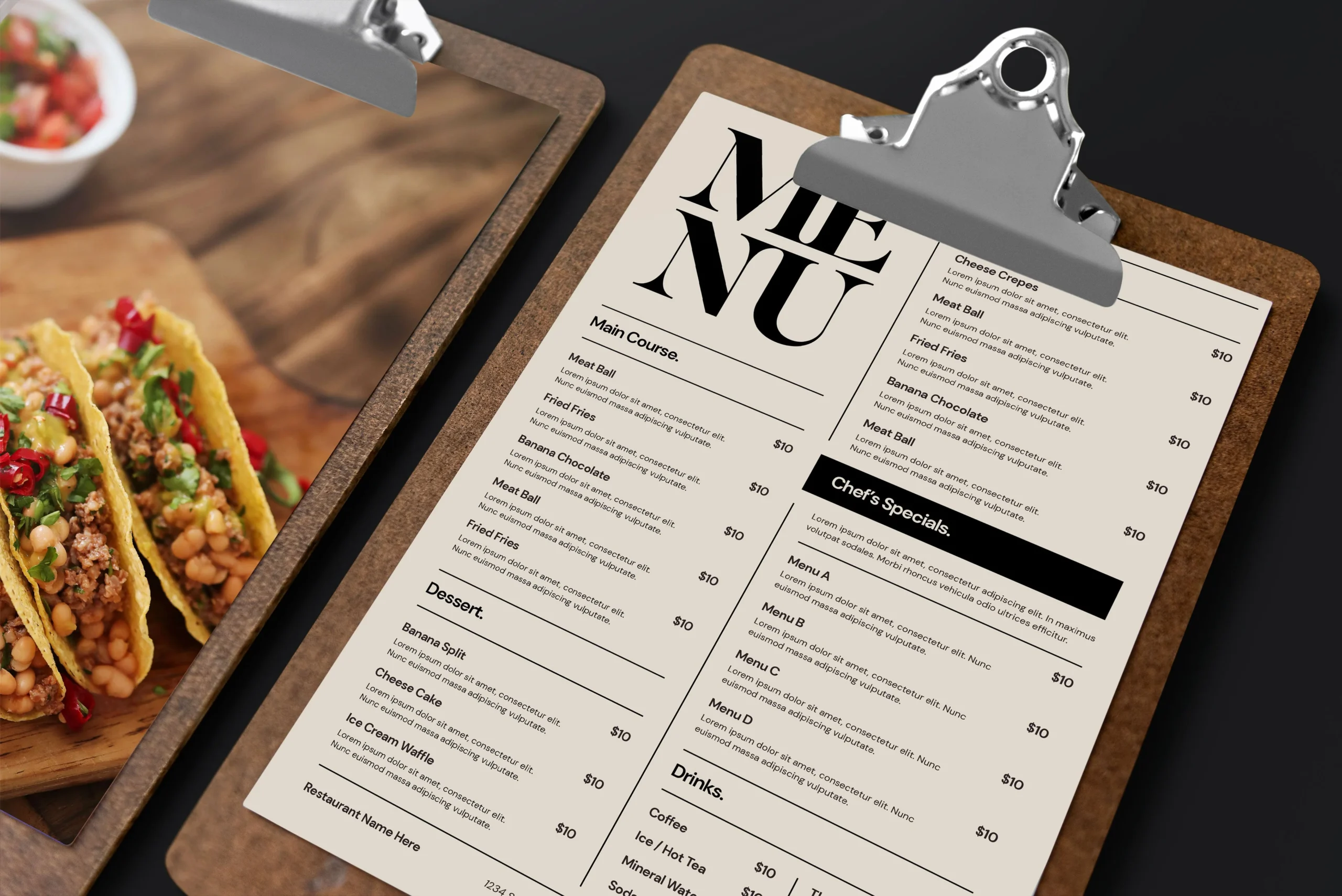
Whether you already have some design experience under your belt or it’s your first time designing anything in your life, starting with a template is always a good idea. So, instead of spending hours online looking for menu inspo, you can simply browse through some free restaurant menu templates and choose one to your liking.
Not satisfied with how it looks? Don’t worry! With free menu maker tools like PosterMyWall, you can easily customize your chosen template to match your desired output.
- Use a Background Remover Tool
No customer wants to browse through a menu with a bunch of low-resolution and poorly edited food images. So, if you want to make your menu design more professional-looking and highlight your signature menu items at the same time, it’s definitely a good idea to use a background remover tool.
Simply upload high-quality photos of your menu items, click a button, and you’ll instantly get a polished photo that you can add to your menu design.
- Use a Brand Kit
A Brand Kit is a helpful tool that can help you stay consistent when designing your menu. Aside from that, a Brand Kit can also make the design process easier by allowing you to store your restaurant’s specific colors, logos, and fonts so that you can easily apply them throughout your menu layout.
- Add a QR Code
While some might say that they’re unnecessary, adding QR codes to your menu can actually be a convenient way to redirect your customers to any important site online. For instance, you can add a QR code that redirects customers to payment portals, review sites, or even feedback forms for your restaurant.
Frequently Asked Questions (FAQs)
Are free online menu makers really free?
Yes! While some menu maker tools offer paid subscription tiers, most tools, like PosterMyWall, offer a free version for every type of user. You can browse through an extensive library of free templates and customize your design to fit your exact needs.
How can I maintain consistent branding in my menu?
To maintain consistency in your menu design, it’s a good idea to use a free menu maker with a built-in Brand Kit tool. This way, you can easily store the specific fonts, colors, and logos you’re going to be using to ensure that you’re sticking to a consistent and visually striking menu design.
Can I use AI to help me design a menu?
Yes! Features like PosterMyWall’s AI background remover can be a highly effective and useful tool when you design your own restaurant menu. Not only will it make the design process more efficient, but you can even get more creative with how you want to design your final menu look.
Design Your Own Menu Today
While designing your own restaurant menu can sound complicated, free menu maker tools like PosterMyWall can definitely make the process easier. Although every restaurant will have its own preferences in terms of style, branding, and overall design, using a free menu maker tool can help you create your ideal menu without the hassle, and just in time for a packed house.